
Case study

Entech

An energy control system for multi-unit buildings that trims heating and cooling costs without anyone touching a thermostat.

Year
2025
Sector
Energy management
Scope
Product design, Engineering
Timeline
18 weeks

Owners run heating, cooling, and leak alerts for a whole building from one app.

25-40%
energy saved across managed buildings
1 app
sensors, boilers, and thermostats in one place

Entech helps owners of multi-unit residential buildings cut utility costs by managing heating and cooling intelligently. The hardware, a network of sensors and smart thermostats, was solid; the software that owners and property managers actually touch needed to make all of it legible from one place.
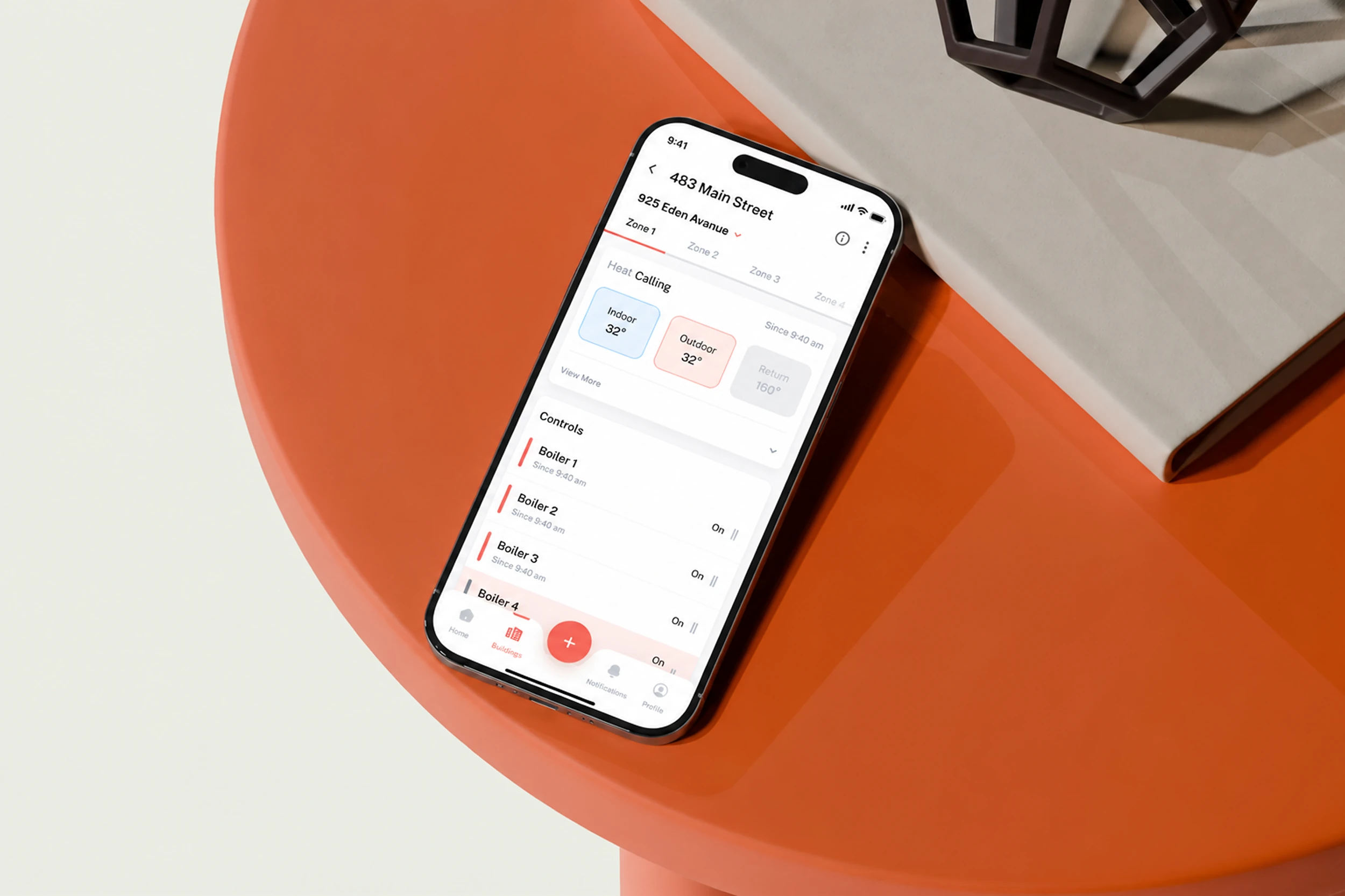
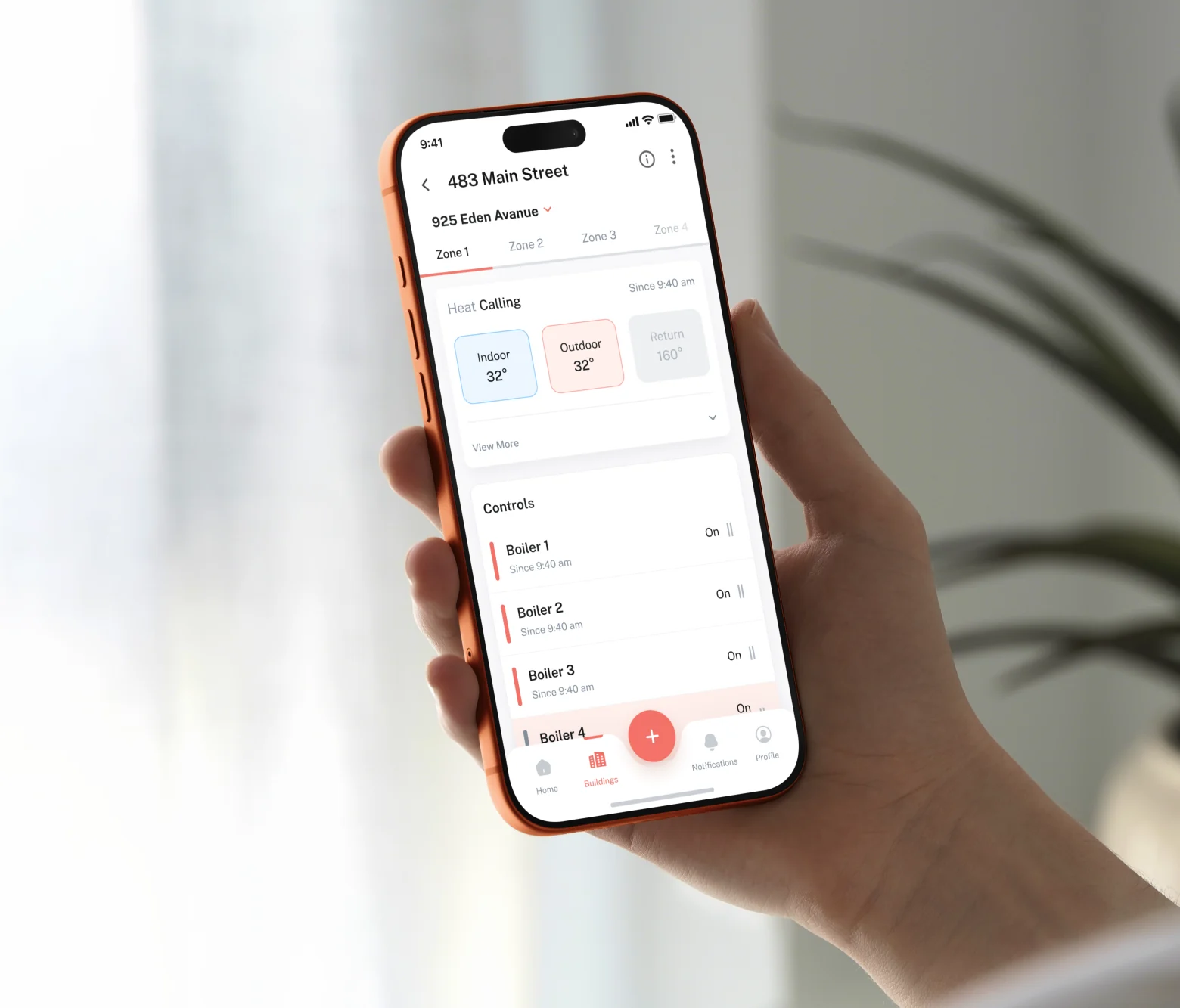
A phone resting on a table showing a single building's detail screen: the address, a row of zone tabs, a Heat Calling status with indoor and outdoor temperature readings, and a Controls list of boilers with their state and time since change.

The hardware was never the problem


Sensors are easy to read, buildings are not

A boiler reports a temperature. A leak sensor reports wet or dry. Multiply that by every unit in every building in a portfolio and you have thousands of true facts and no idea what to do on a Tuesday morning.

We designed for the person, not the equipment. The question the software answers is not what is every sensor saying, it is what needs me today.

One building


Per unit, without walking the building

Heating, cooling and per-unit temperature sit on one screen, so a manager can see the flat that is running cold without knocking on the door, and change it without going to the basement.
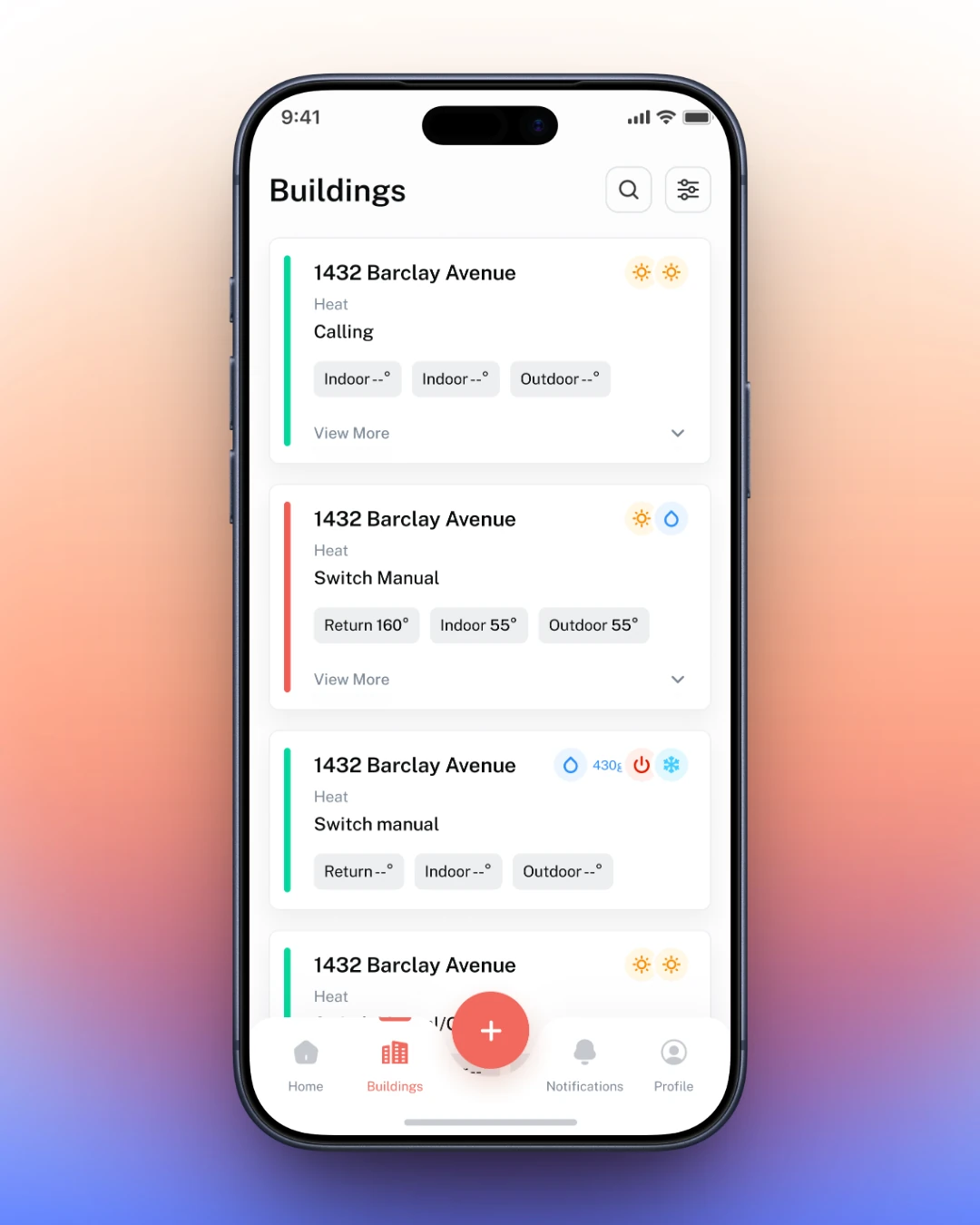
The buildings list screen: a card per building, each showing a heat status, an indoor and outdoor temperature reading, and a state such as Calling or Switch Manual, with a view more control to expand it.
The exception is the design. A building where nothing is wrong should be quiet.
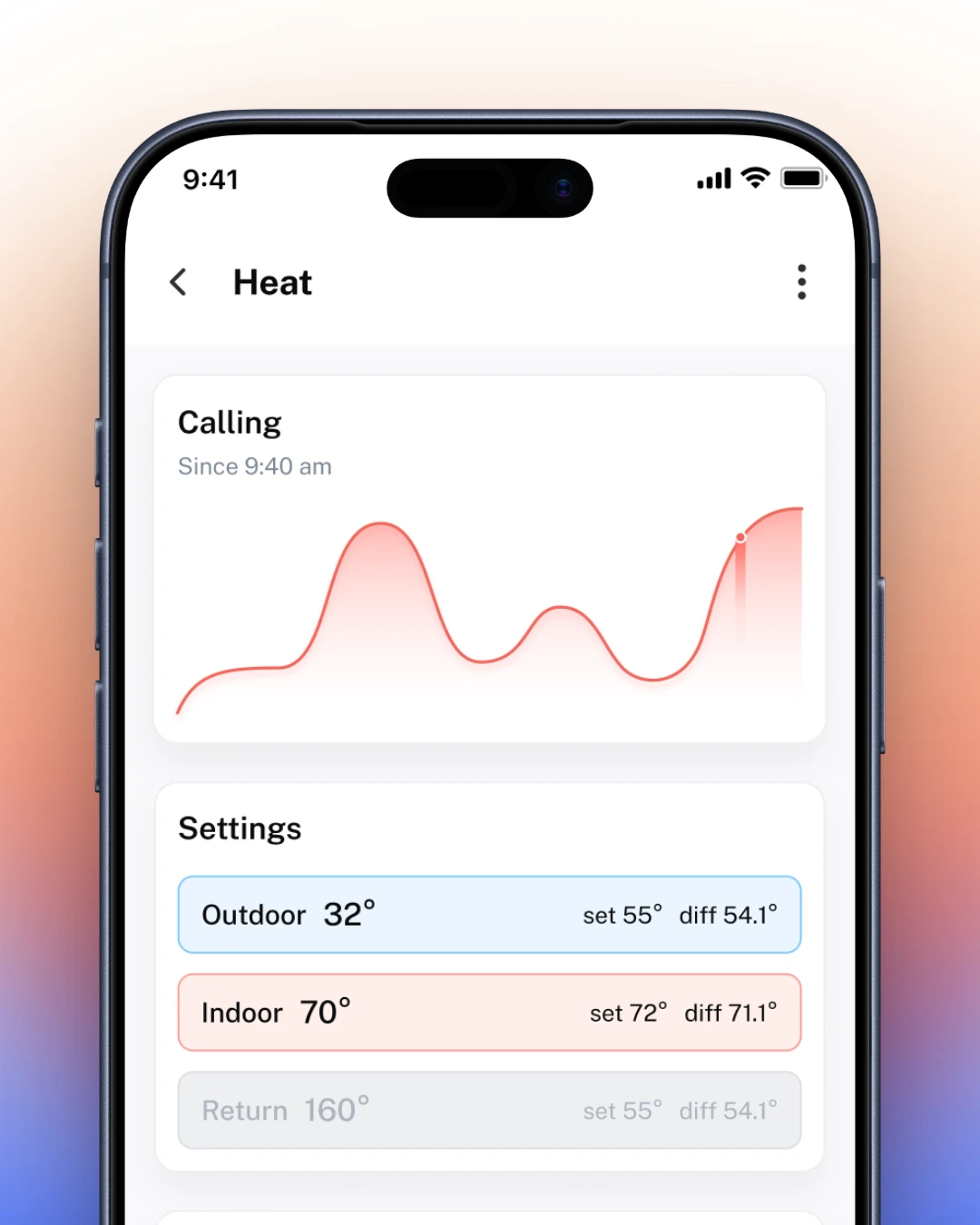
A single unit's heat screen: a Calling status since a given time above a temperature history graph, and a settings list of outdoor, indoor and return temperatures each with a set point and a diff.
Changing a set point is two taps, because the alternative is a trip to the basement.
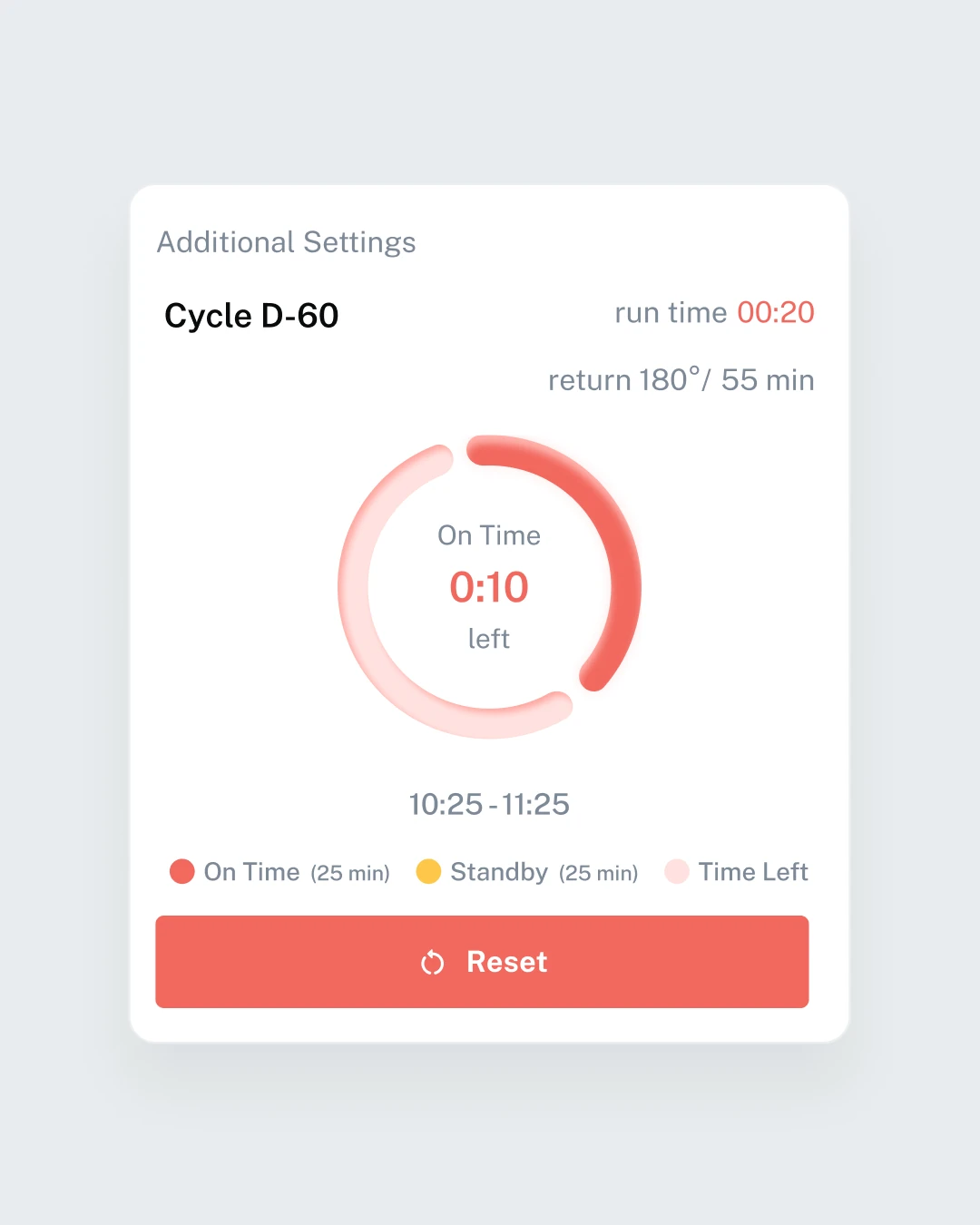
A boiler cycle settings card: a named cycle, its run time and return temperature, a ring countdown showing on-time remaining, an on-time-versus-standby legend with the current schedule window, and a reset control.

Leaks and alerts


The call-out you did not have to make

Leak detection is the part that pays for itself, and it only works if an alert reaches the right person before the ceiling does. Alerts are ranked by what they cost if ignored, not by when they arrived.

Alerts: what needs a person, in order
A leak, reported
Monitoring: handing the watch over

Across a portfolio


Ten buildings, one screen

An owner with one building wants detail. An owner with thirty wants a shortlist. The same product has to do both, so the portfolio view is a filter down into the building view rather than a separate product.
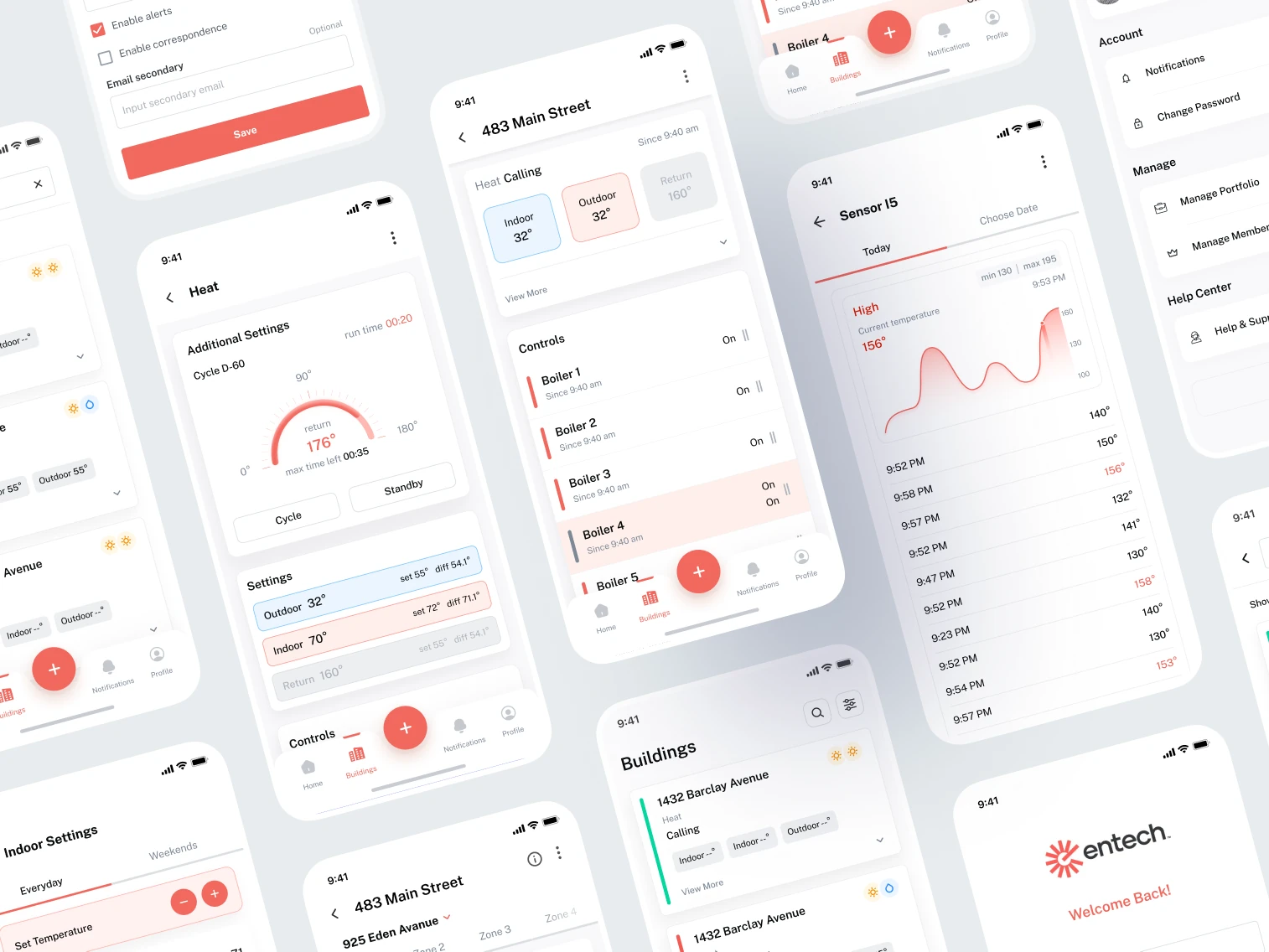
A scattered collage of the app's screens: notification settings, a single unit's heat detail with a boiler cycle timer, a sensor's temperature history graph, the buildings list, per-building boiler controls, an account menu, and the sign-in splash screen reading Welcome Back.
Next projectTelgani

Want results like this?

Start a project